
The fastest, freshest, most iconic AI voices on the planet. Pick a character, hit your mic, and sound like someone (or something) else entirely, in real time, wherever you talk online. No lag. No setup drama. Just you, rebuilt.
AI Voices. Powered by AI. Fueled by You.






AI Voices in action
Not a filter. A whole new you.
Real-time filters tweak your voice. AI Voices rebuild it. Same emotion, same timing, same energy, totally different person on the other side of the mic. Whoever’s listening won’t hear an effect. They’ll hear a character.
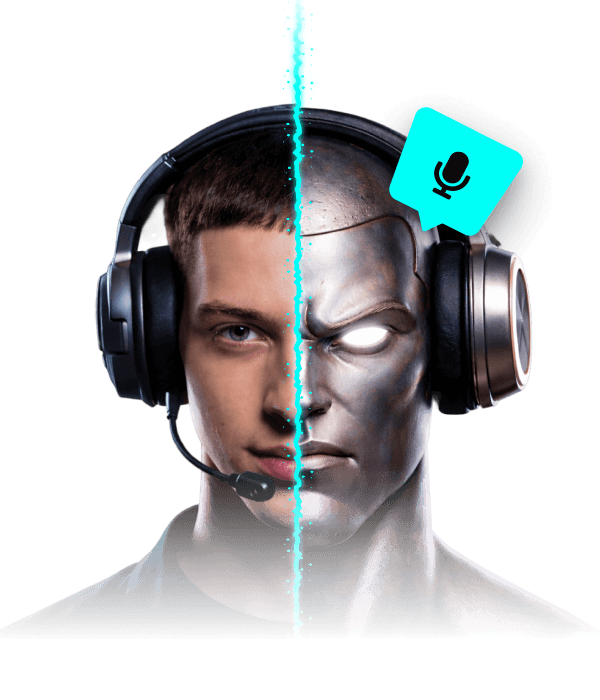
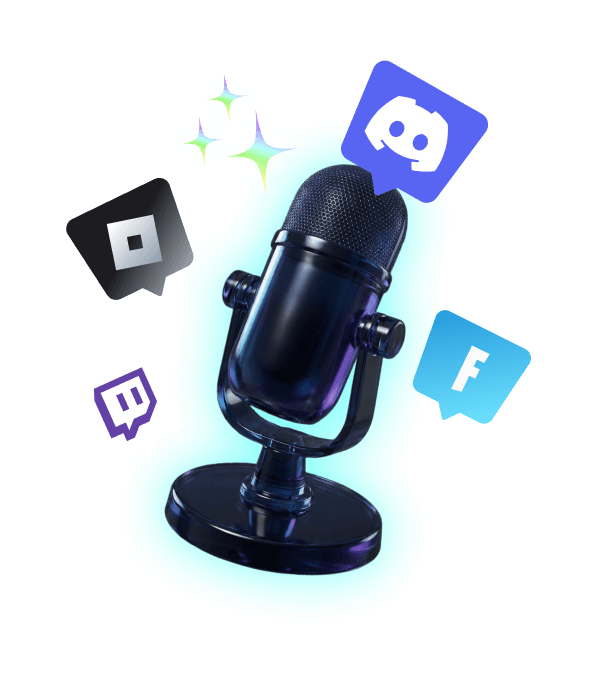
AI voices, wherever your mic goes.
Discord raids. Team standups. Twitch streams. Online classes. Group chats. First dates on voice apps you’d rather not name. Voicemod’s AI Voices work in any app that uses a mic, from your favorite game to your weekly meeting.
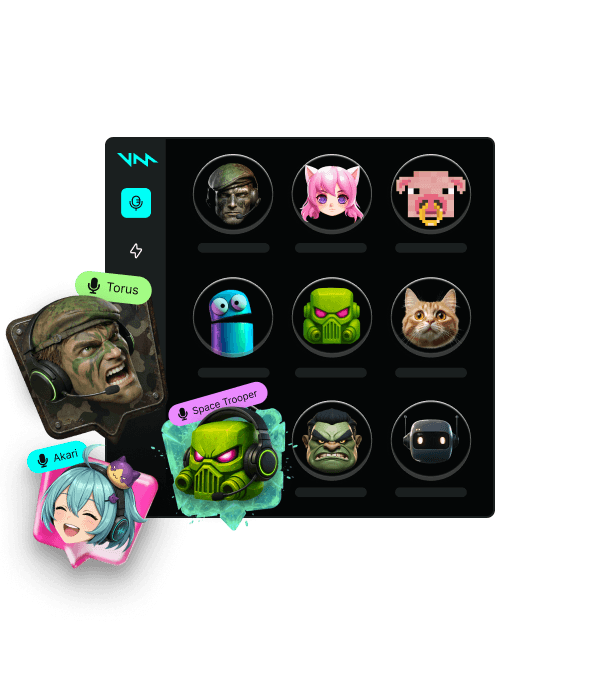
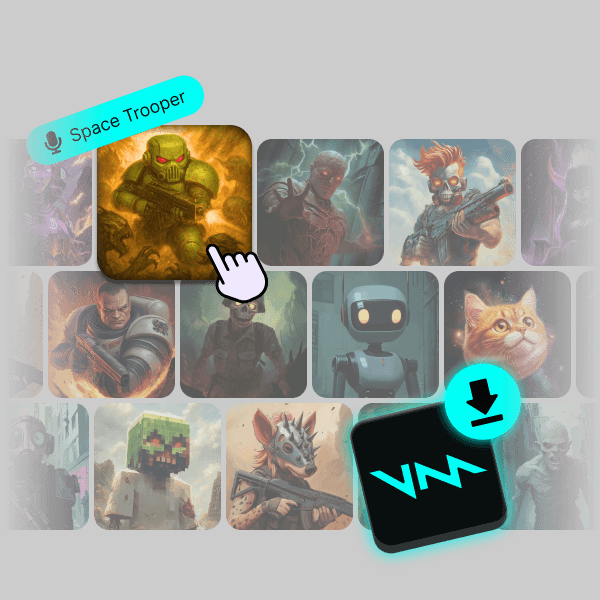
200+ voices. Whoever you want to be.
Anime waifu, space commander, cursed pirate, smooth narrator, the squad’s angry cat, whatever role you’re stepping into, there’s a voice for it. And if there isn’t? Build it yourself in Voicelab, or grab one of the thousands dropped by the community every week.
The best Realistic AI voice changer
How the AI magic happens
-
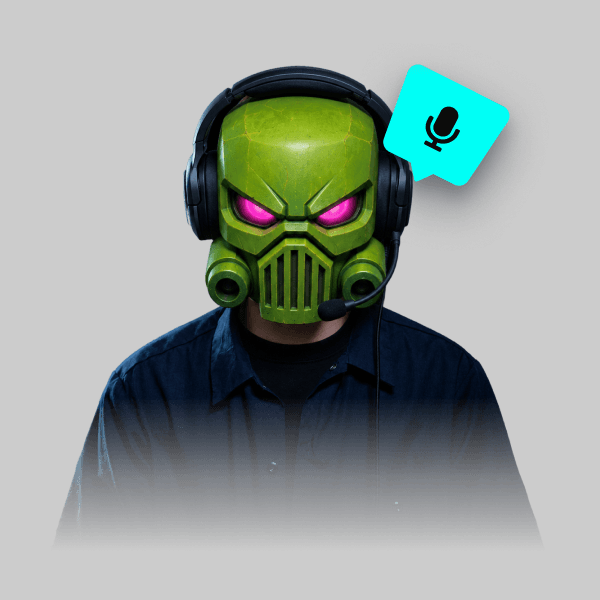
Not a filter. A rebuild.
Real-time filters add something to your voice. AI rebuilds it from scratch. Same emotion, same timing, same energy, totally different tone, character and presence on the other end. You still talk like you. You just sound like someone else entirely.
-
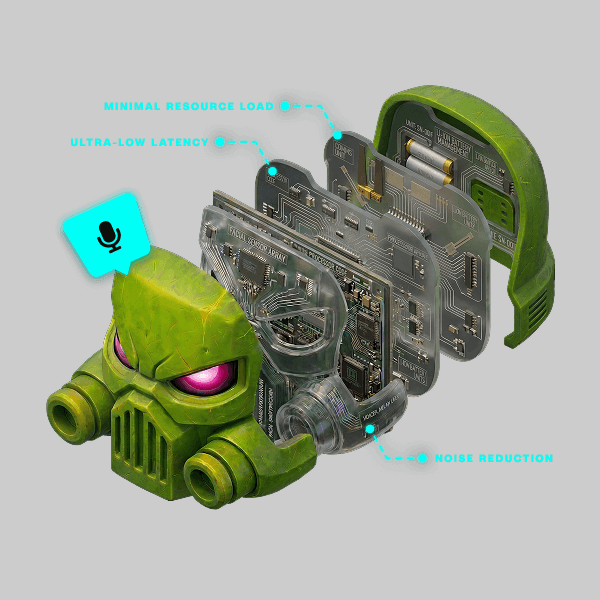
Crafted by sound designers.
Behind every AI voice there’s a team of sound designers shaping how it actually sounds and feels. They pick the source, layer the effects, tune the ambience, and add the attitude that turns a raw model into a character with its own vibe. By the time a voice reaches your mic, it’s not an effect. It’s someone you can step int
-
Pick a voice. Hit your mic.
Download Voicemod, pick your voice, hit the mic. Your new you is live in seconds, in any app you talk on. Watch your friends double-take when they realize it’s still you behind it. The rest comes naturally.
Works wherever you hang out online.
Not only in voice apps like Discord, but also in-game voice chats.






































FAQ
-
How can I start using an AI voice quickly and easily?
Open Voicemod, pick an AI voice, and start talking. It applies in real time across your games and apps the moment you turn it on.
-
How can I use an AI voice in chat?
Fire up Voicemod, choose a character or AI voice, and jump into any voice chat. Great for messing around with friends or adding personality to your calls.
-
How can I improve the quality of my AI voice?
It starts with Voicemod’s AI voices, built to sound natural and convincing straight out of the box. To get the most out of them, feed them a clean input: a quiet room and a decent mic. Turn on noise removal to keep your source signal crisp, and the AI tracks your speech more closely, so every word lands with realistic tone and detail.
-
Is it safe to use an AI voice changer?
Yes. Voicemod runs on your own device and processes your voice in real time for calls, games, and content, so you stay in control of how and where you use it.
-
How can I switch between different AI voices?
Absolutely. One moment you’re a hyperspace pirate, the next you’re an adorable kawaii character, and after that something no one in the lobby saw coming. Browse the Voicemod voice library and click to swap voices on the fly. Assign hotkeys to your favorites so you can jump between characters without pausing what you’re doing, and switch personas as fast as the moment calls for it.
-
How can I use an AI voice without delay?
Voicemod applies AI voices in real time as you speak, so there’s no noticeable lag in your calls, streams, or games. Your voice transforms the moment you talk, keeping conversations natural and your reactions perfectly on time.
-
How do I use AI voice effects live?
Open Voicemod, choose an AI voice or effect, and it processes your mic live. Everything you say comes out transformed instantly, with no rendering or post-editing to slow you down.
-
How do I get realistic AI voice effects?
It starts with Voicemod’s AI voices, built to sound natural straight out of the box. To get the most out of them, feed them a clean input: a quiet room and a decent mic. Turn on noise removal to keep your signal crisp, and the AI tracks your speech more closely, so every word lands with convincing tone and detail.
-
How do I use AI voice filters live?
Set the Voicemod virtual microphone as your default input, pick a filter, and it applies to your voice in real time. Swap filters on the fly while you’re mid-call or mid-game, without stopping what you’re doing.
-
How can I use AI voice in real time?
Run the Voicemod virtual microphone as your default mic and select an AI voice. It transforms everything you say live, with no noticeable lag in calls, streams, or lobbies, so your reactions always land on time.
-
How do I use AI voice effects quickly?
Open Voicemod, click an AI voice, and start talking. It applies the instant you turn it on, across every app that reads your mic, with nothing to set up mid-conversation.